Custom overlays
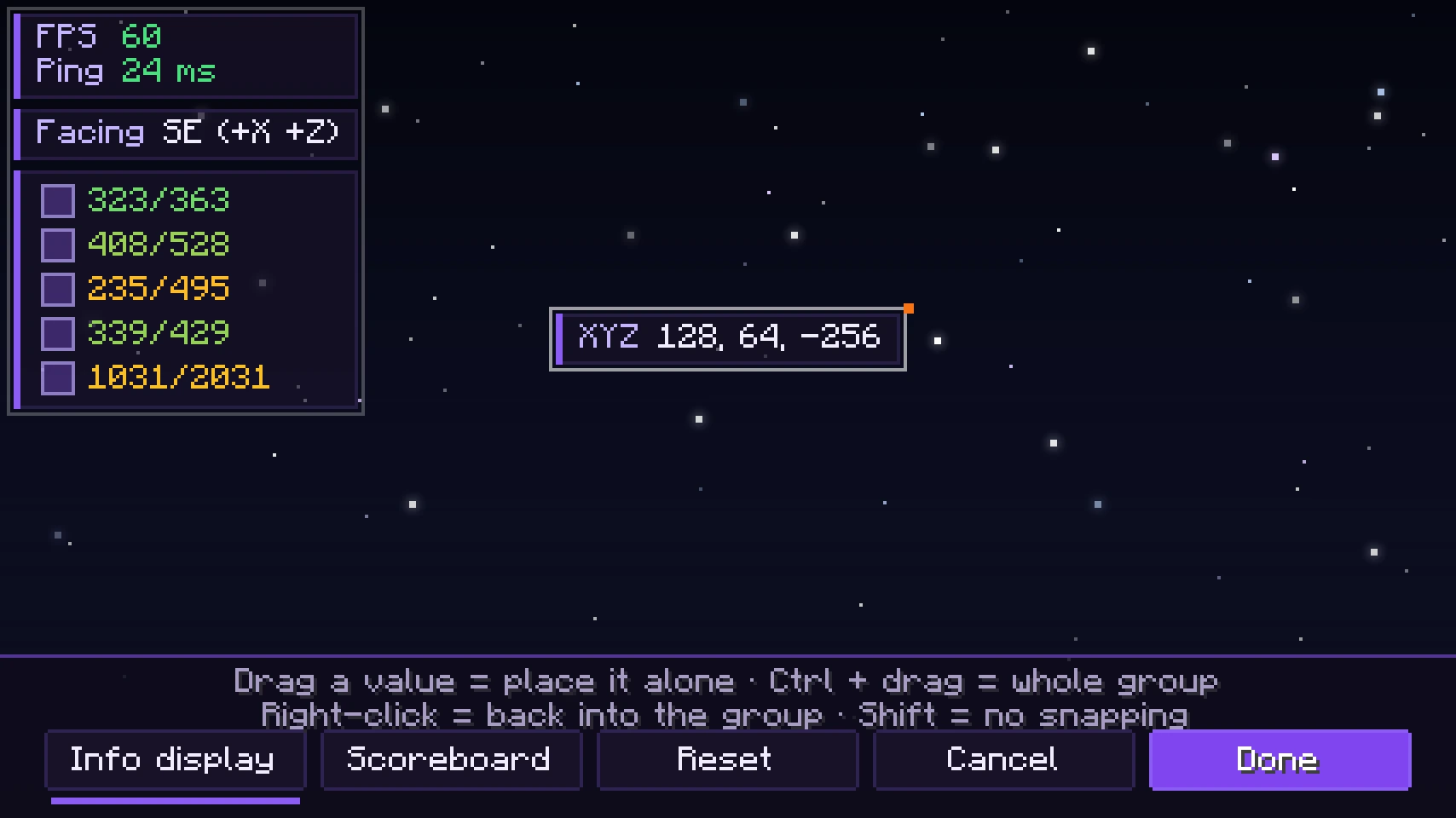
FPS, ping, coordinates, facing direction, armor and scoreboard right in the game, and you decide where they go. Drag every value to its own spot, pick colors and hide what you do not need.

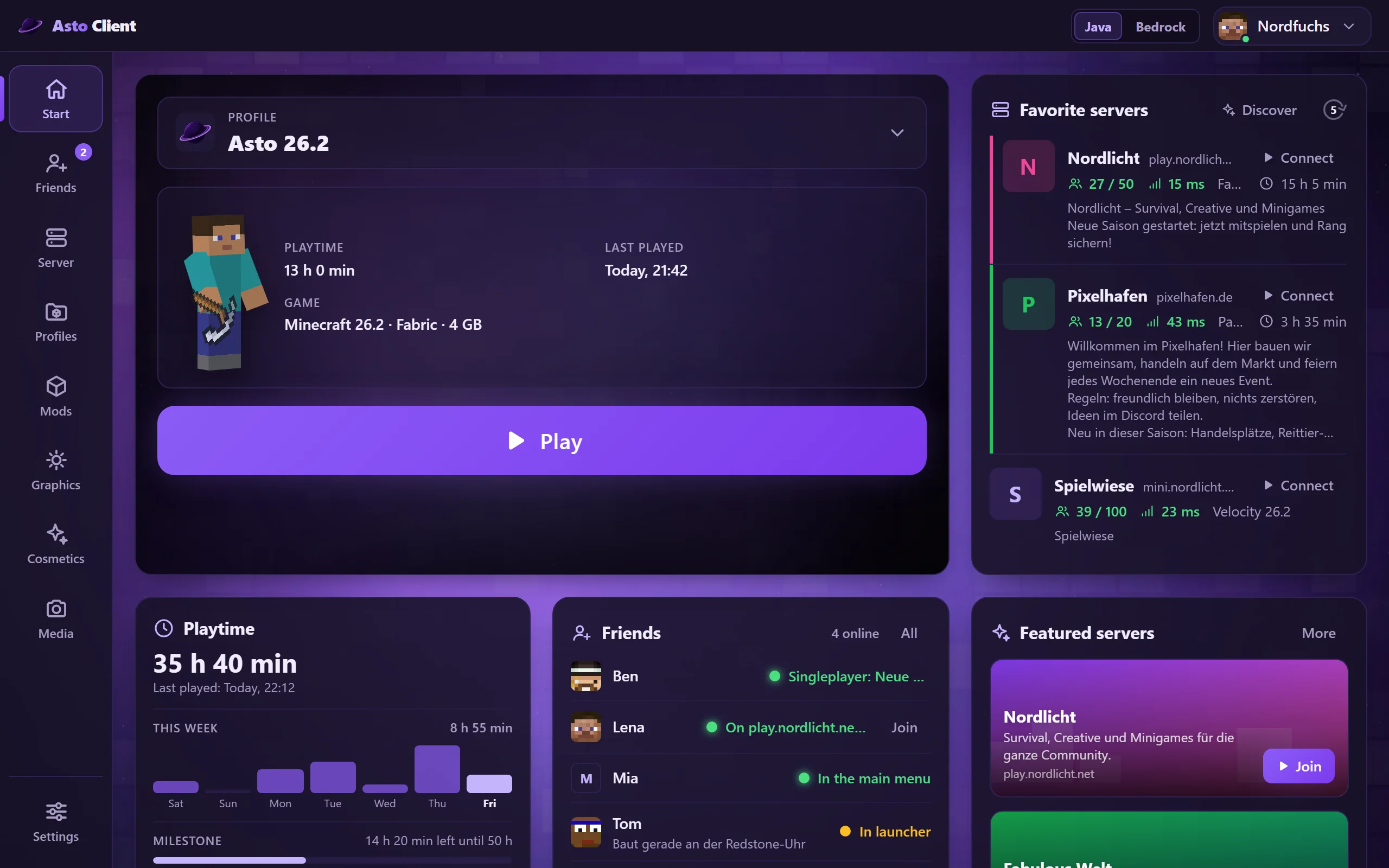
Pick a profile, click Play. Done.
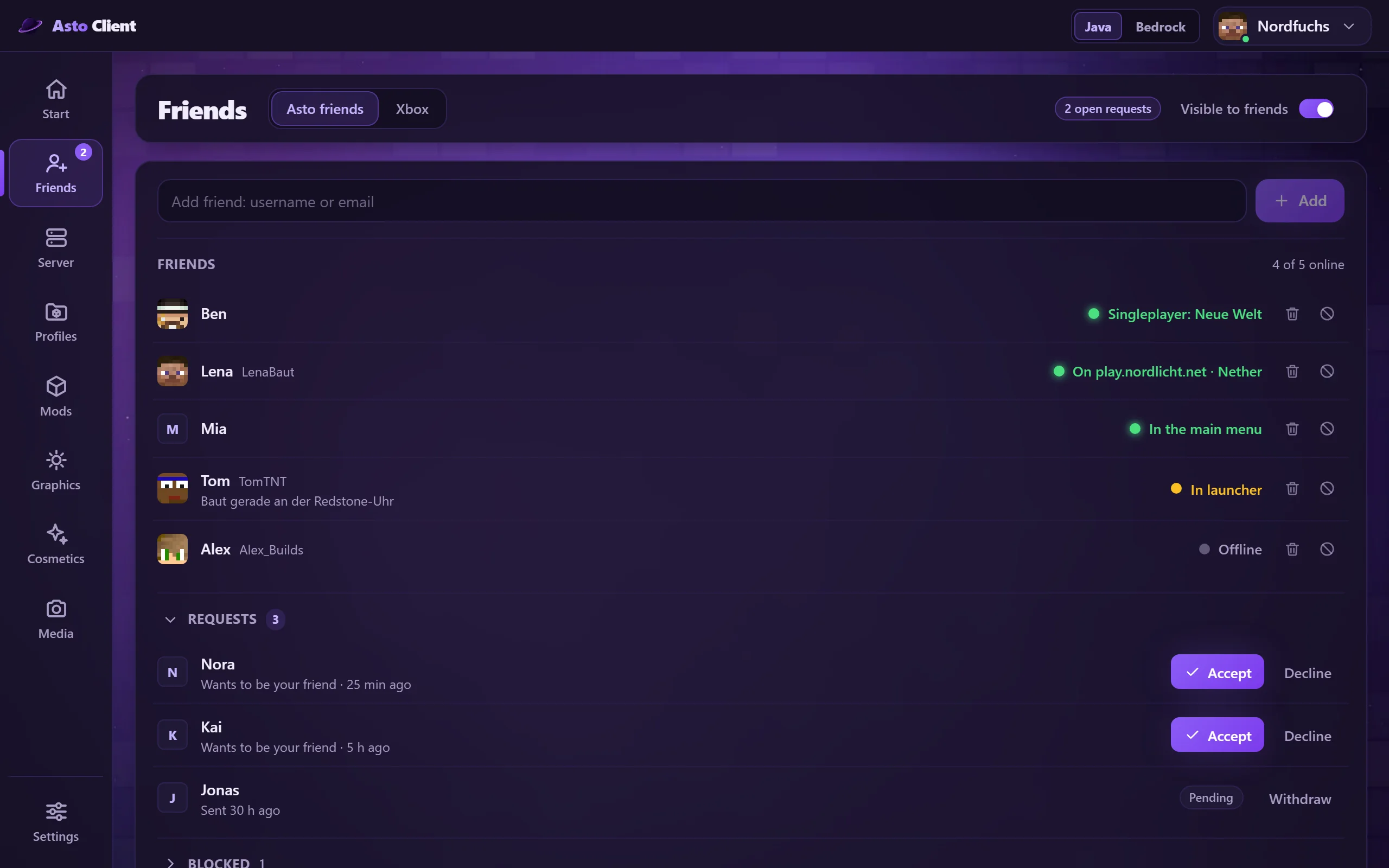
See who is online and what they are playing right now.
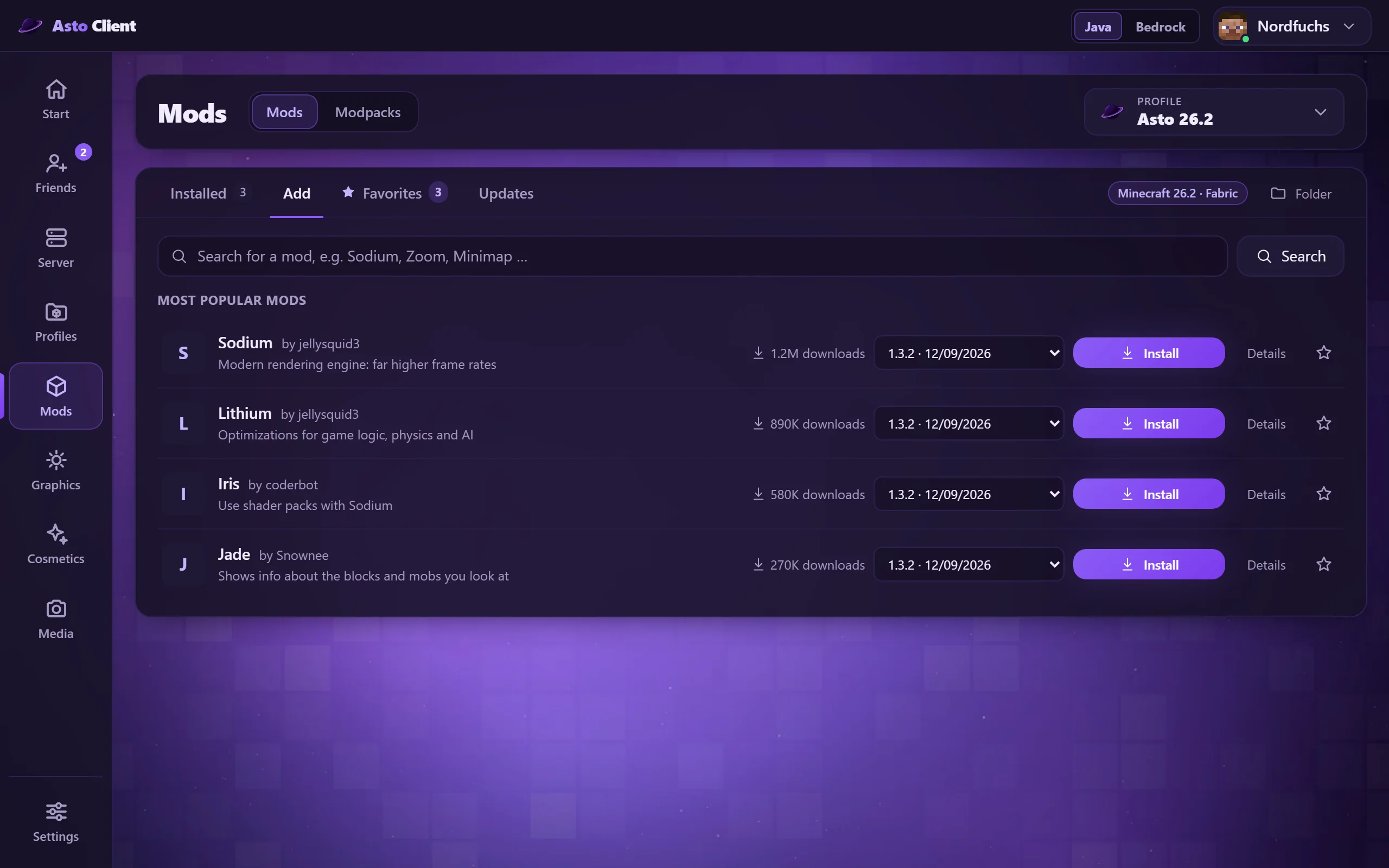
Find mods and install mod packs from Modrinth with one click.
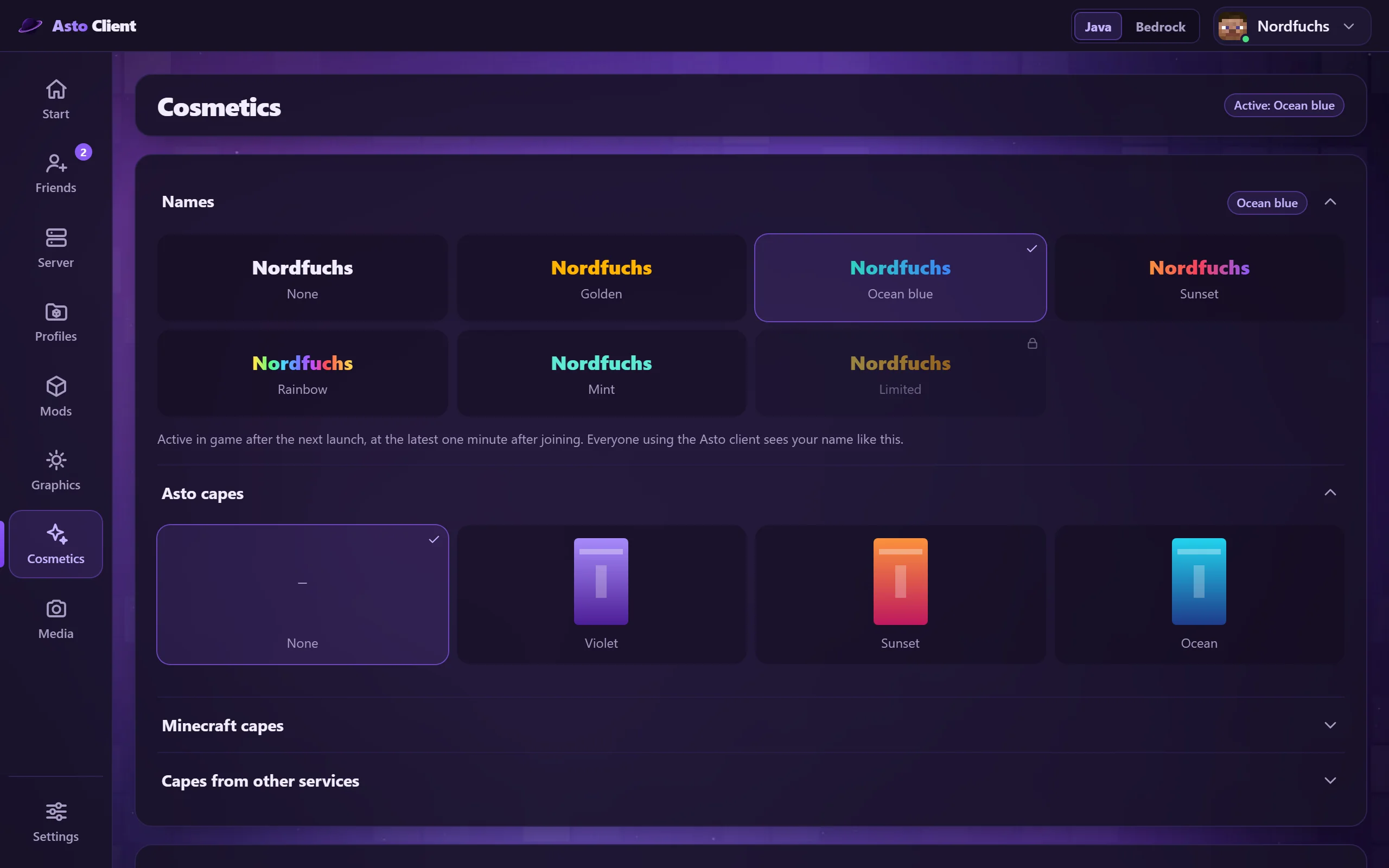
Colored names, capes and your skin in one place. Resource packs and shader packs can be loaded right in the launcher, even while the game is running.
FPS, ping, coordinates, facing direction, armor and scoreboard right in the game, and you decide where they go. Drag every value to its own spot, pick colors and hide what you do not need.
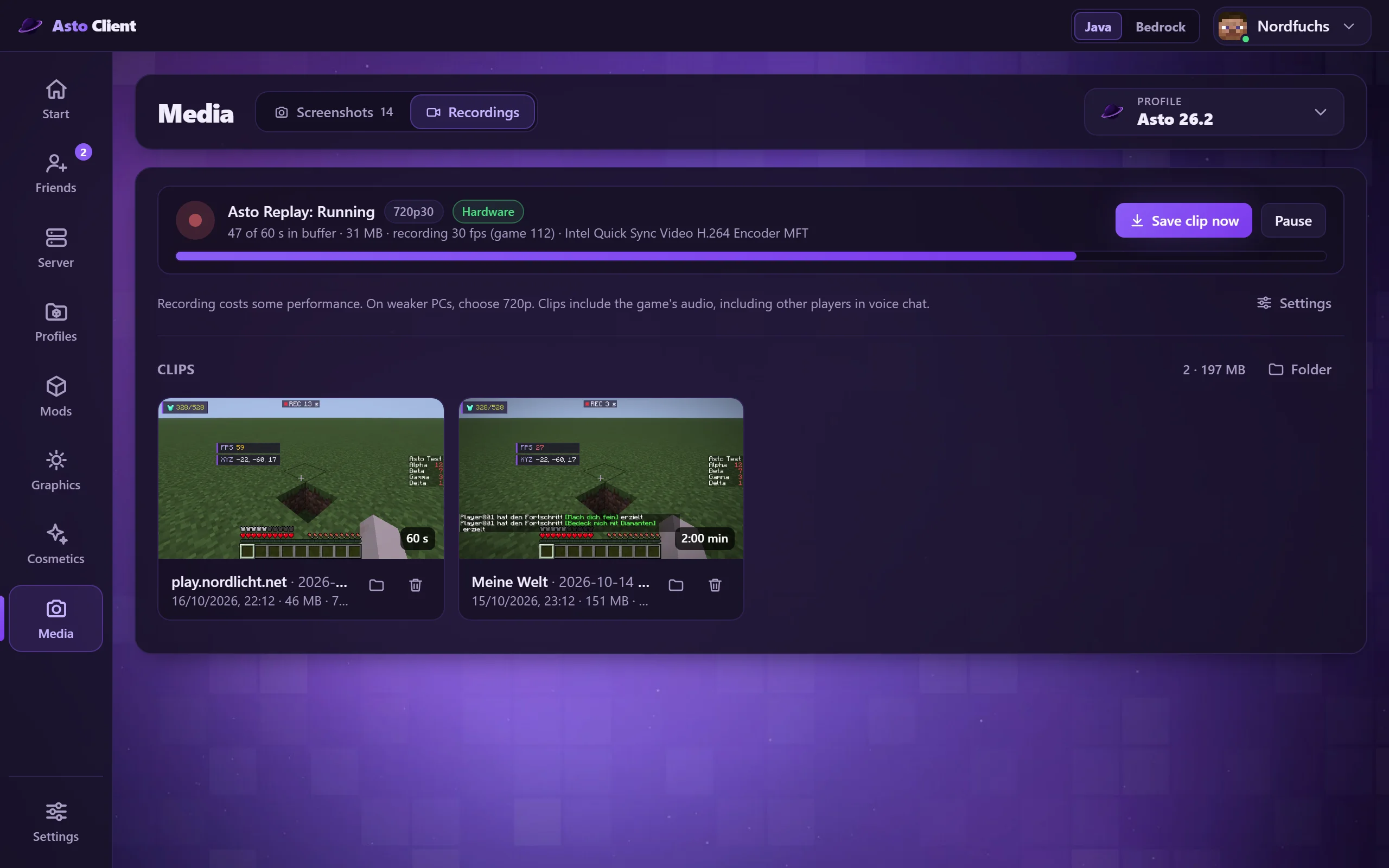
Asto records the last seconds of your game in the background, with sound. Press one key and the clip is saved. In the launcher you watch it right away, delete it or control the recording.
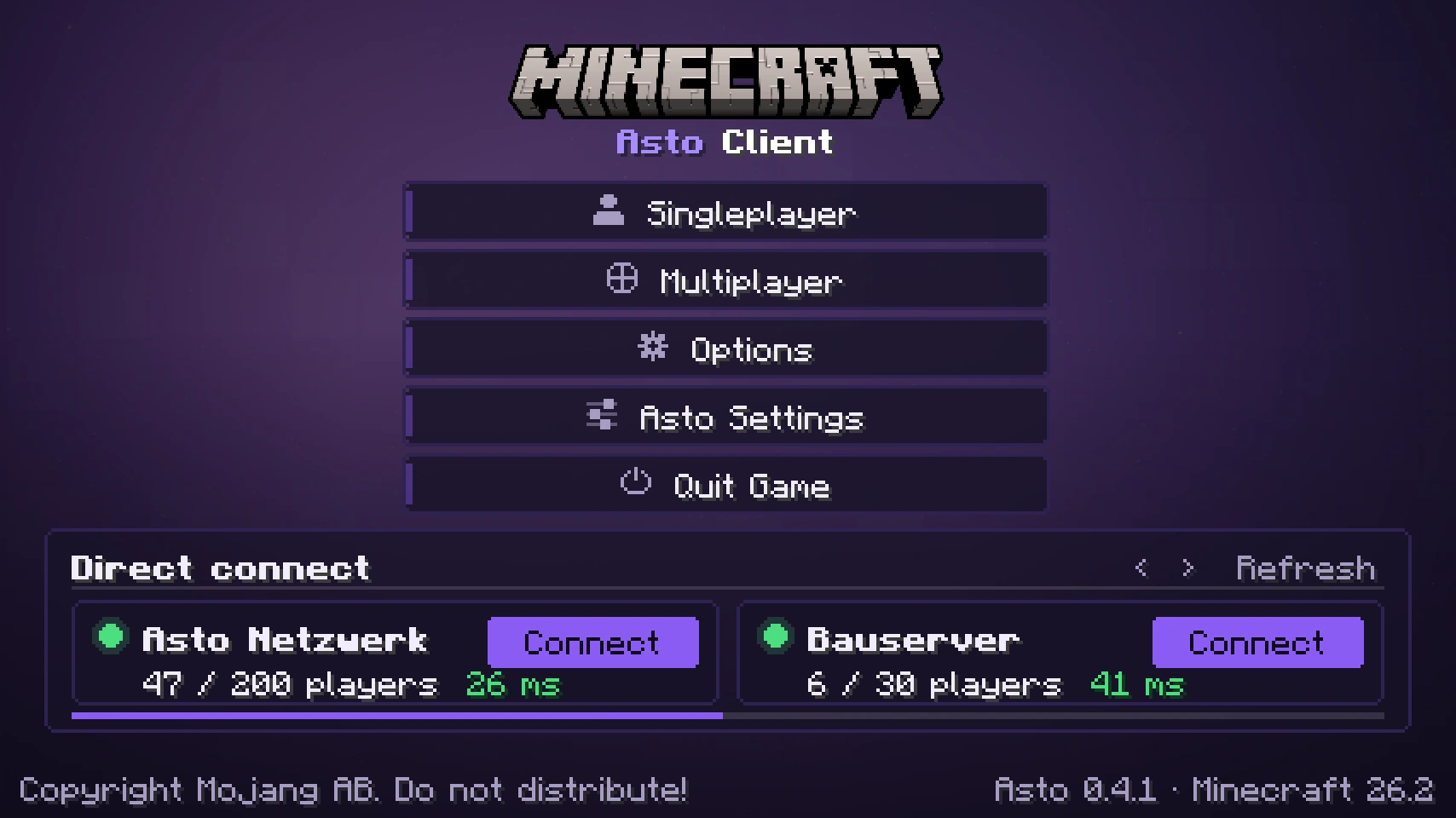
Your favorite servers with player count and ping, right on the title screen in the game. One click and you are in.
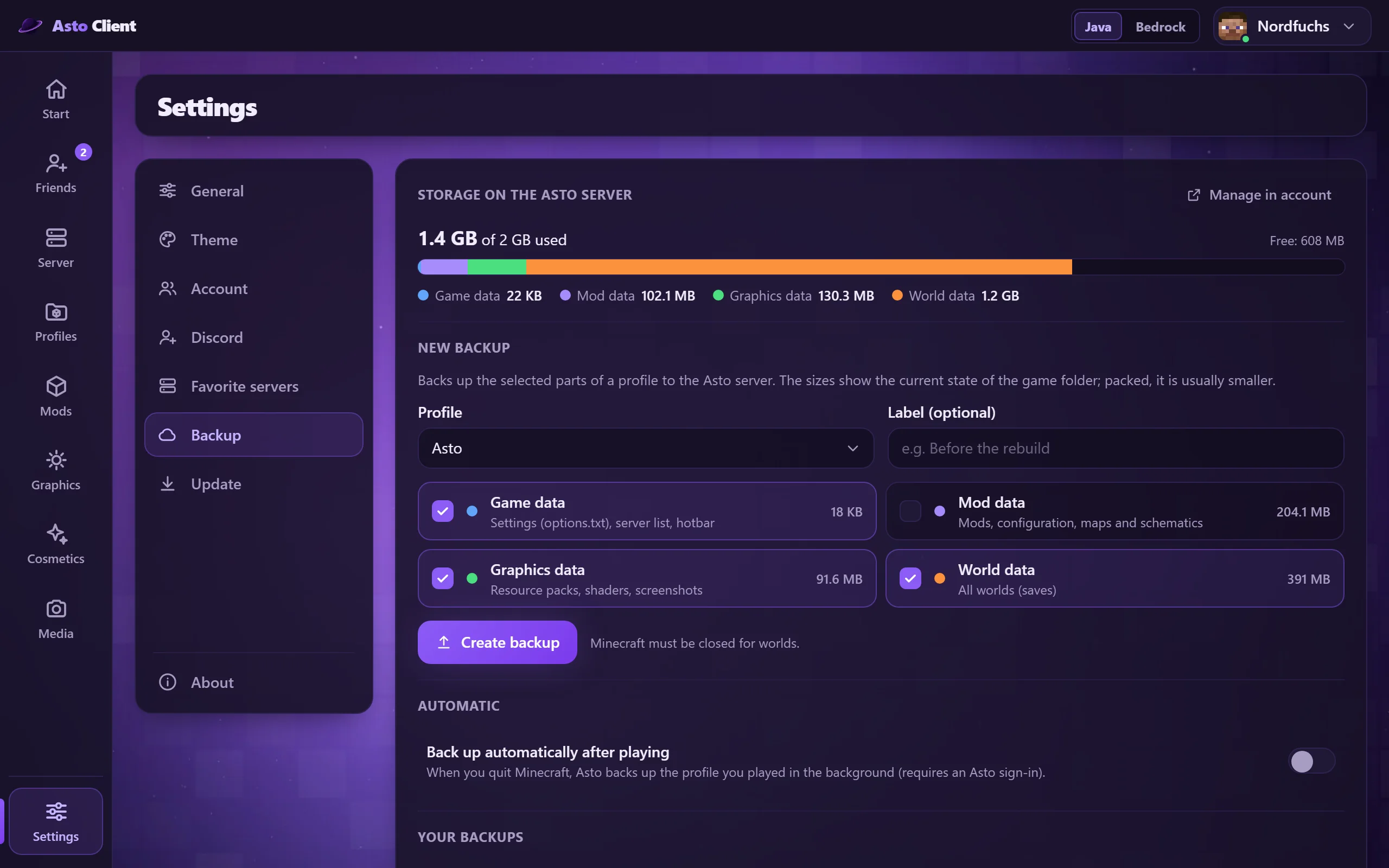
Back up your profiles, worlds and settings on the Asto server and restore them any time, even on a new PC. Everything belongs to your account.
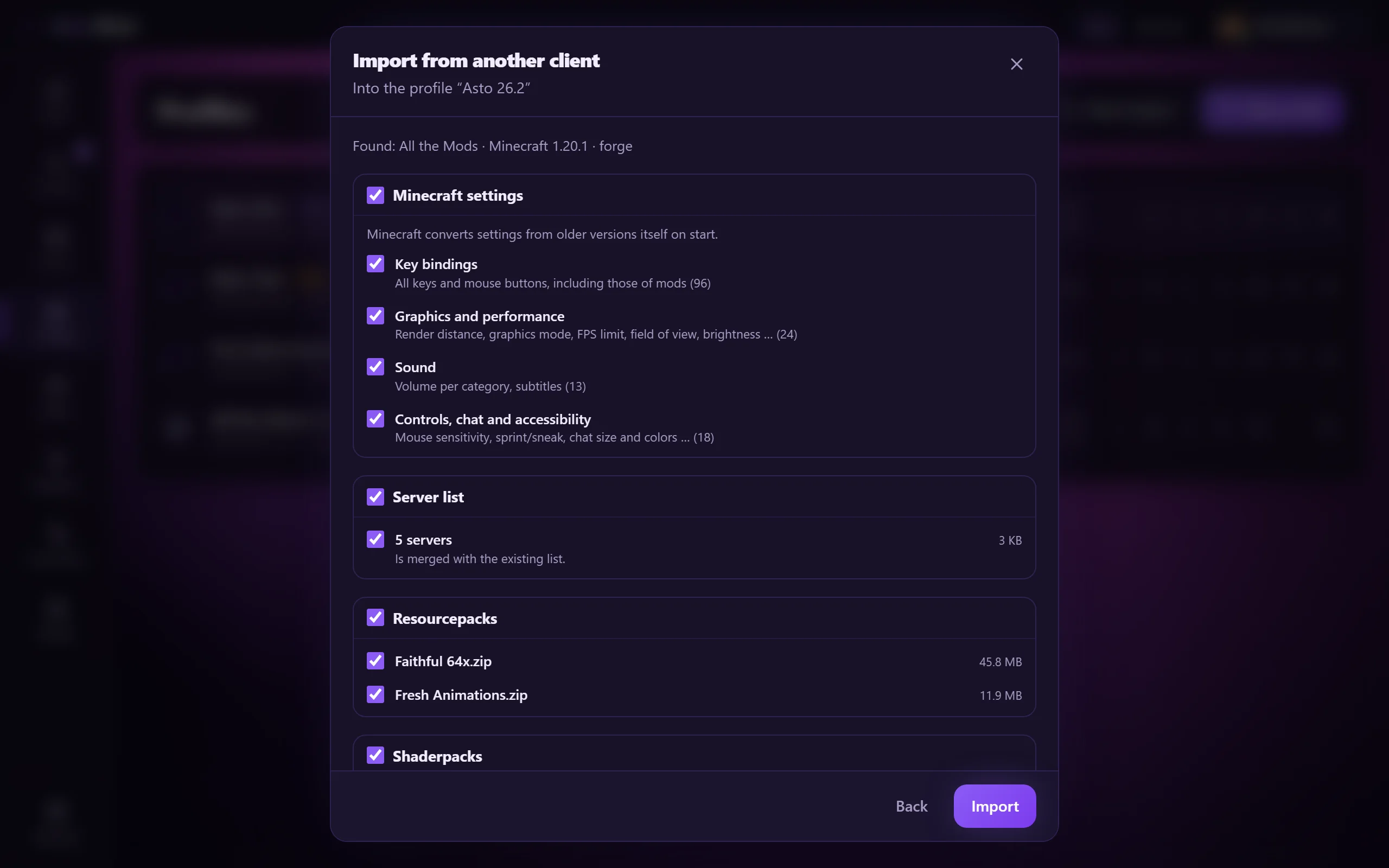
Switch from CurseForge, LabyMod, Badlion, NoRisk or Lunar without starting over. Asto carries over your settings, key bindings, resource packs, server list, shader packs, screenshots and, if you like, worlds. You tick what comes along; the old client stays untouched.
Plus waypoints, a to-do list, chat heads, animated capes, freecam, zoom, fullbright and much more. See more features here